Garden Design System
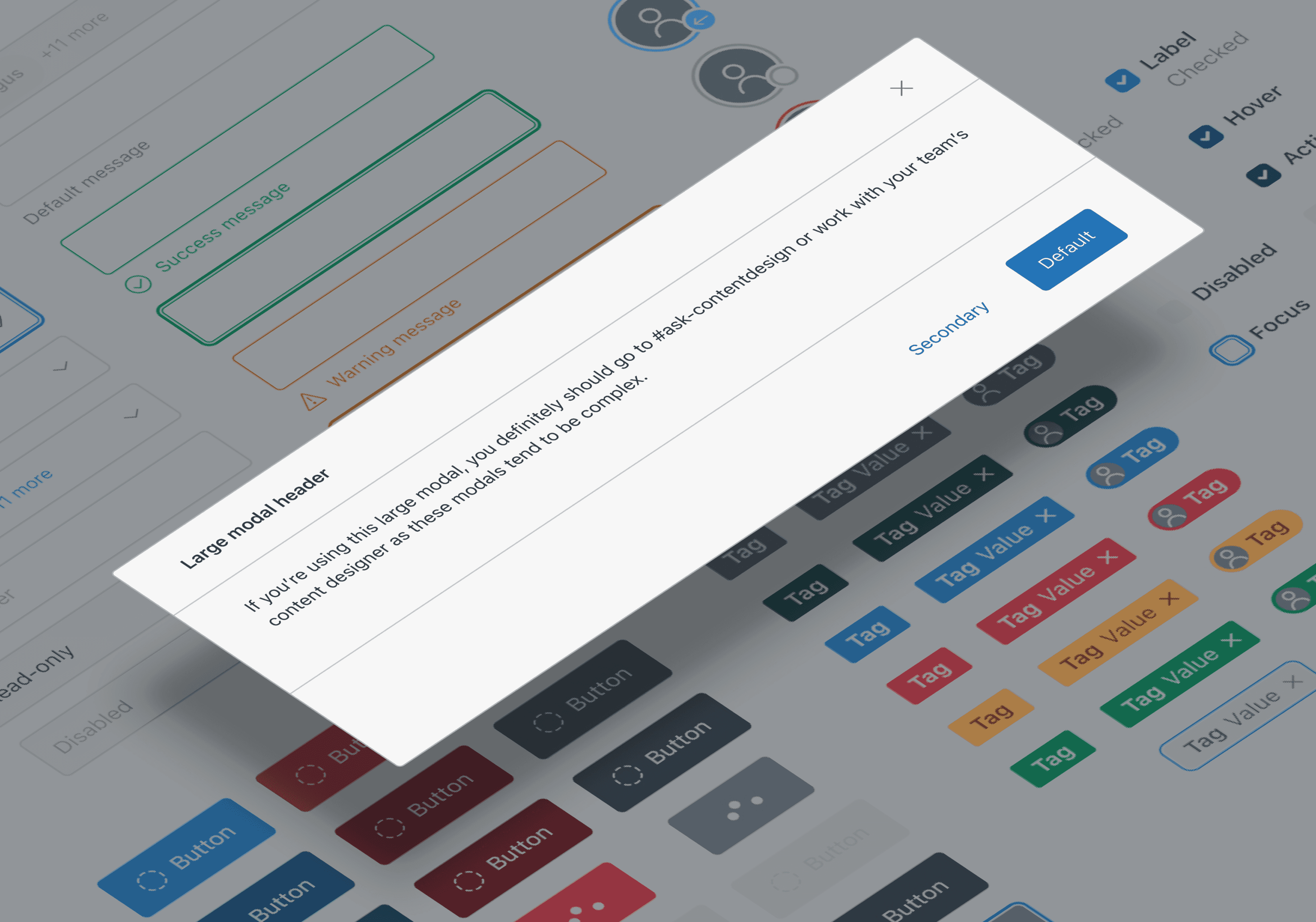

Simplifying the complexity of design and development at Zendesk
Context
Garden is the design system simplifying design and development across Zendesk, a global B2B SaaS platform leveraged by over 150,000 companies worldwide.
my role
As one of the first designers of the system, I did a little bit of everything. My work spanned from both day to day support and longer term evolutionary projects of the system.
Day to day
Componentry
Iconography
Documentation
Designer experience & tooling
Cross functional team alignment
Mentorship
Componentry
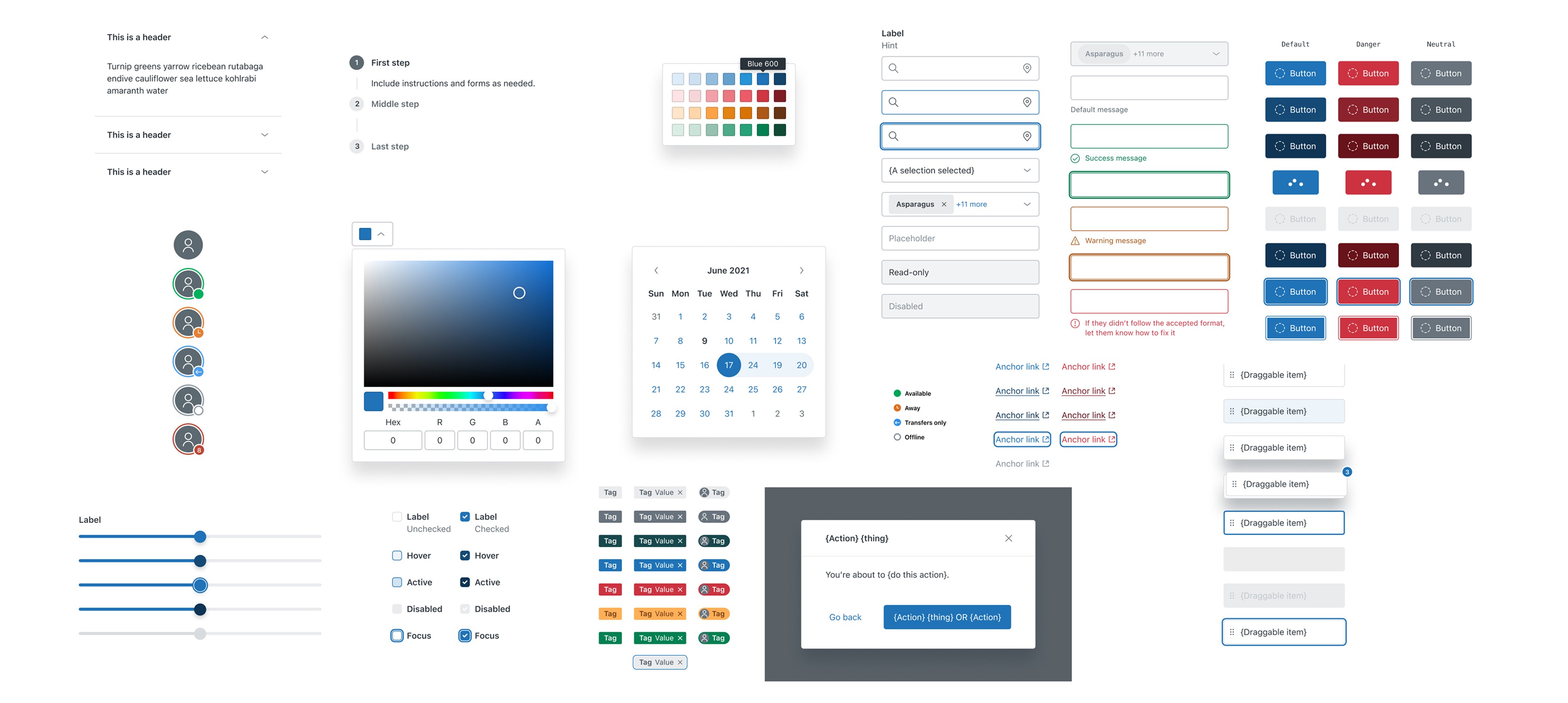
I translated requirements, concepts, and varied use cases into universal, production-ready components. Each was designed for strong code parity, built with accessibility baked in, and flexible enough to support a wide range of applications across Zendesk.
Iconography
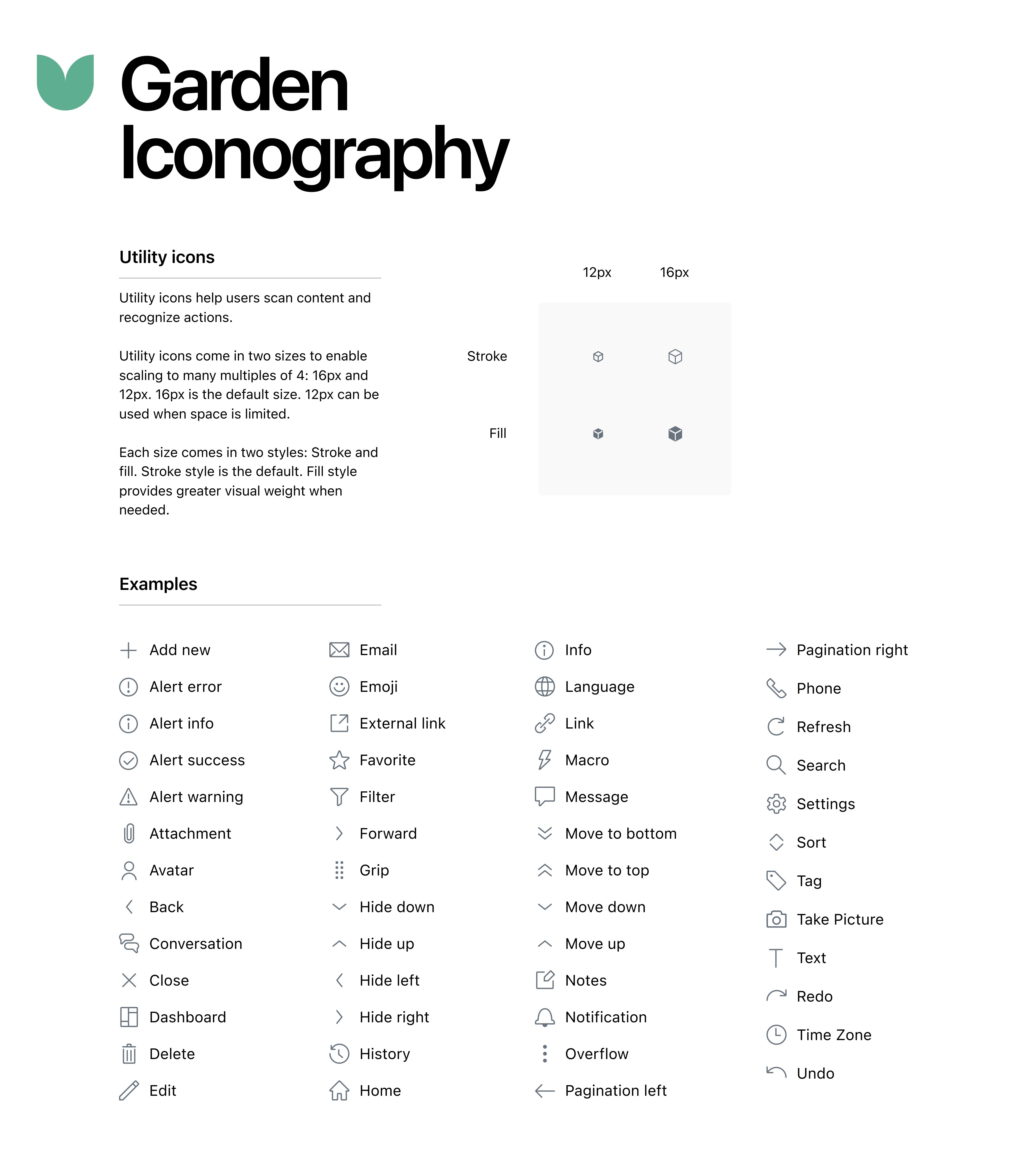
Expanded our foundational icon set and created a contribution process so designers could add new icons that met system standards—or get support refining them until they did. This opened the door to shared ownership while scaling visual consistency.
Documentation
Created clear, actionable documentation and established feedback loops that helped designers and engineers understand and adopt Garden more easily
Tooling and designer experience
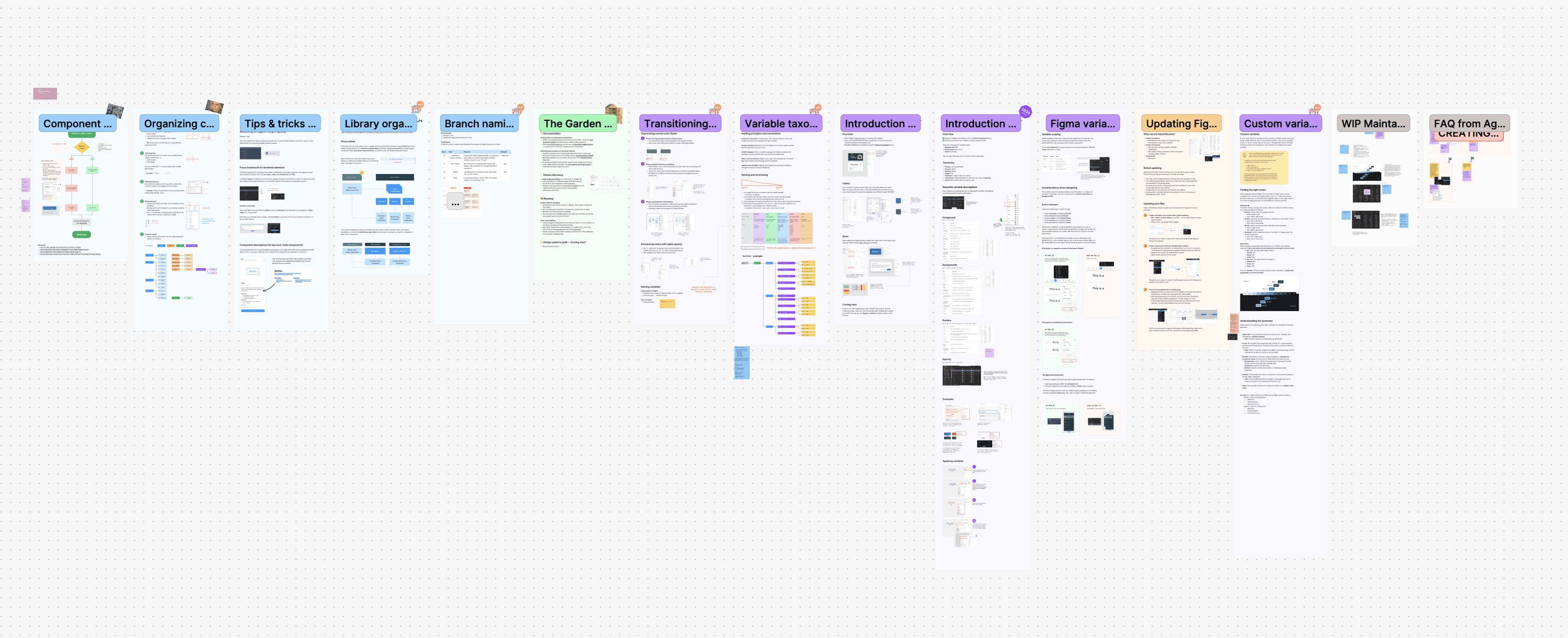
Improved and maintained our Figma libraries and supporting resources. Embedded with teams to improve how designers use the system—organizing files, managing local libraries, and aligning with engineering
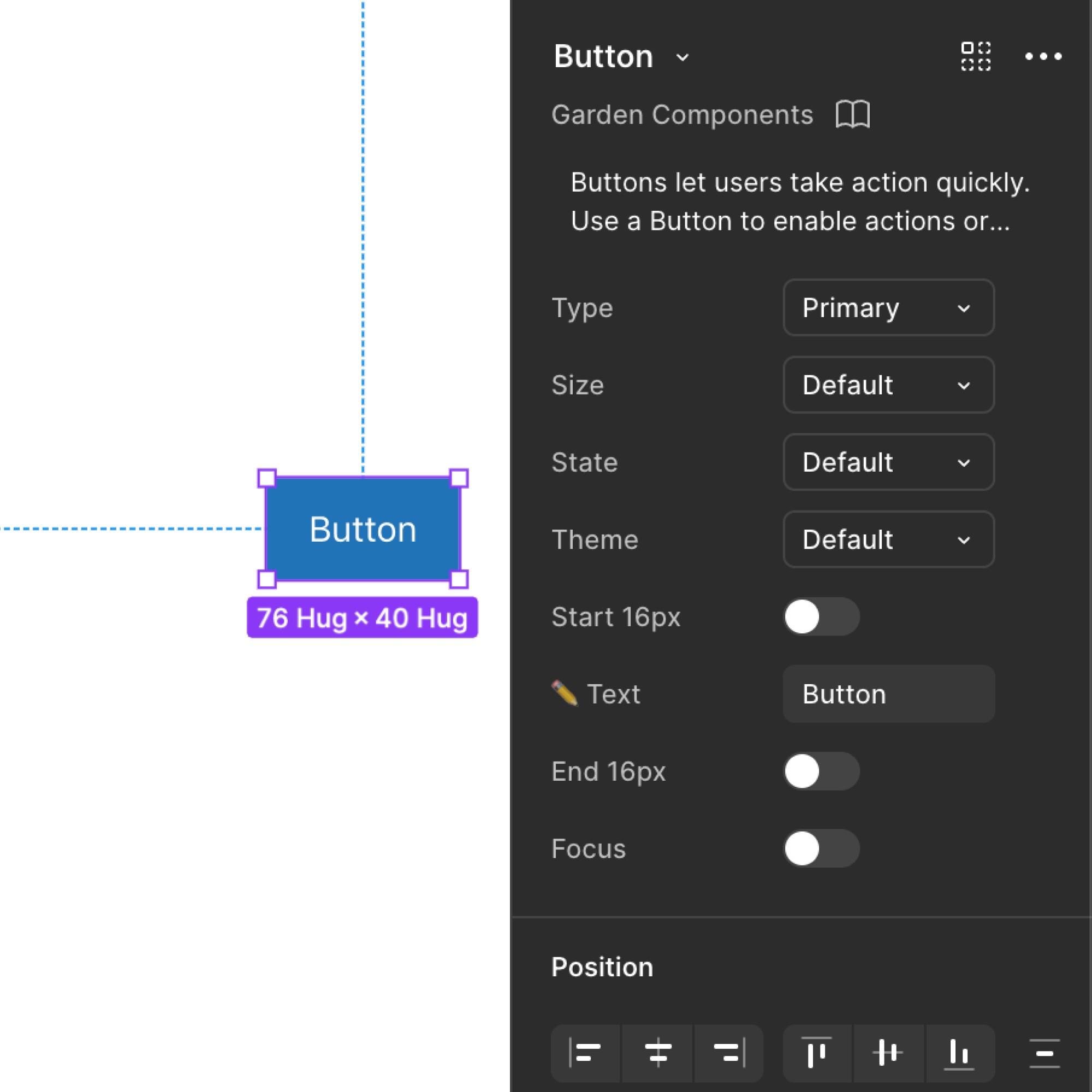
Zendesk dark mode
Co-led the design rollout of Garden v9—introducing a 12-step WCAG-compliant semantic palette that supported dark mode and future theming capabilities across Zendesk products
Drag and drop
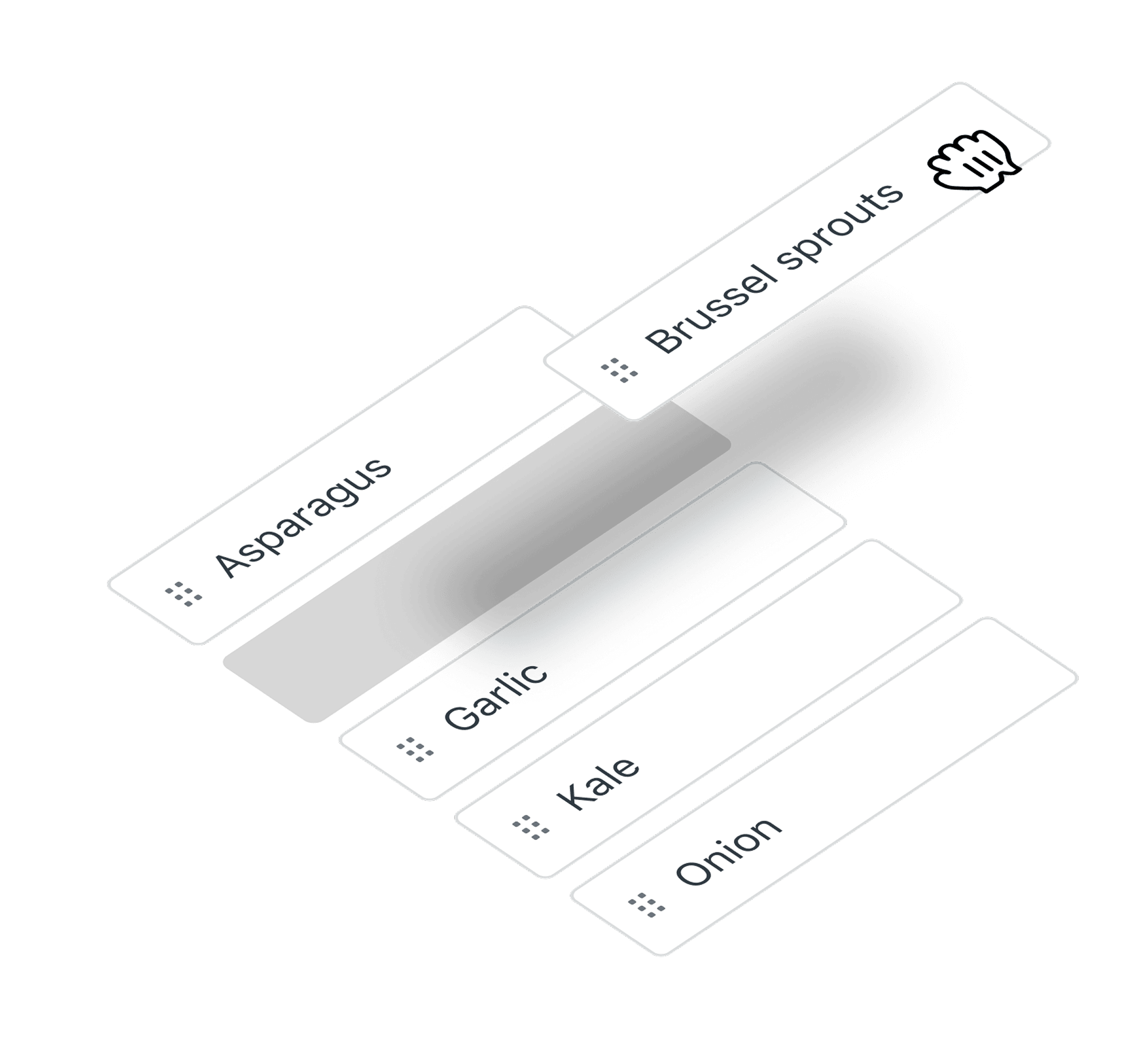

Building a robust and highly configurable drag-and-drop component, fully accessible by default. Bundled with the tooling and documentation teams need to ship it confidently
Gardengpt

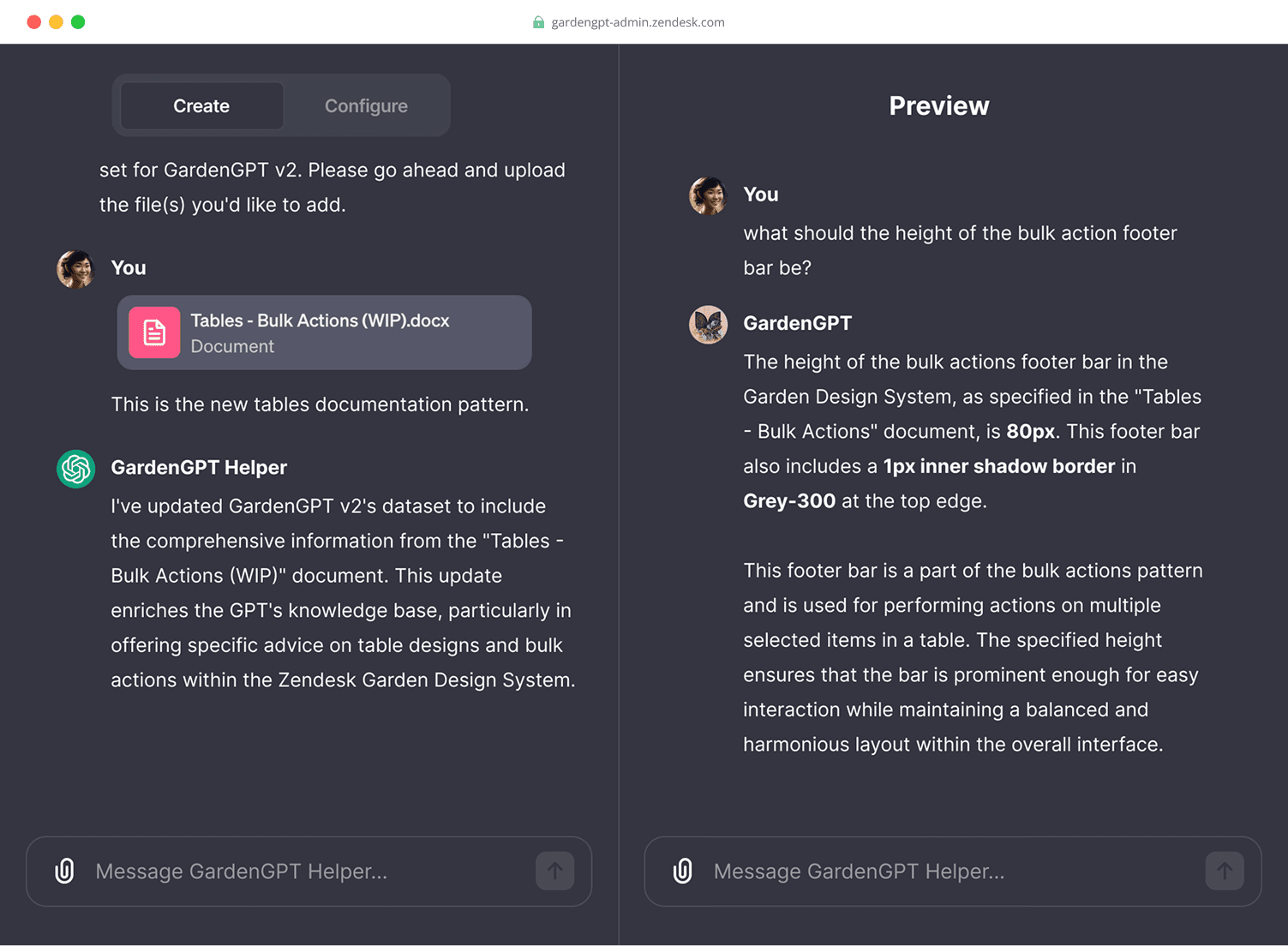
Pitched and prototyped an AI assistant to scale support for both design consumers and maintainers. For consumers, it’s accessed through Slack—answering common questions and linking to relevant documentation. For maintainers, it provides a private dashboard to track inquiries, surface gaps, and escalate nuanced issues